Stop choosing between obsolete pre-printed label stock and unprofessional hand-written tags. The JCP140U is a 4-inch desktop full-color inkjet label printer that prints price tags, shelf labels, promo signage, and ingredient stickers on demand from a single blank roll — CMY engine, 300/600 DPI, 1.6 kg footprint, no MOQ.
Overview
Retail labeling has always forced a bad trade-off. Order pre-printed color labels and you commit to thousands of units per design — then a price changes, a promotion ends, or packaging is updated, and the remaining stock becomes waste. Skip pre-printing and you're back to thermal black-and-white labels or hand-written tags that undersell the product on the shelf.
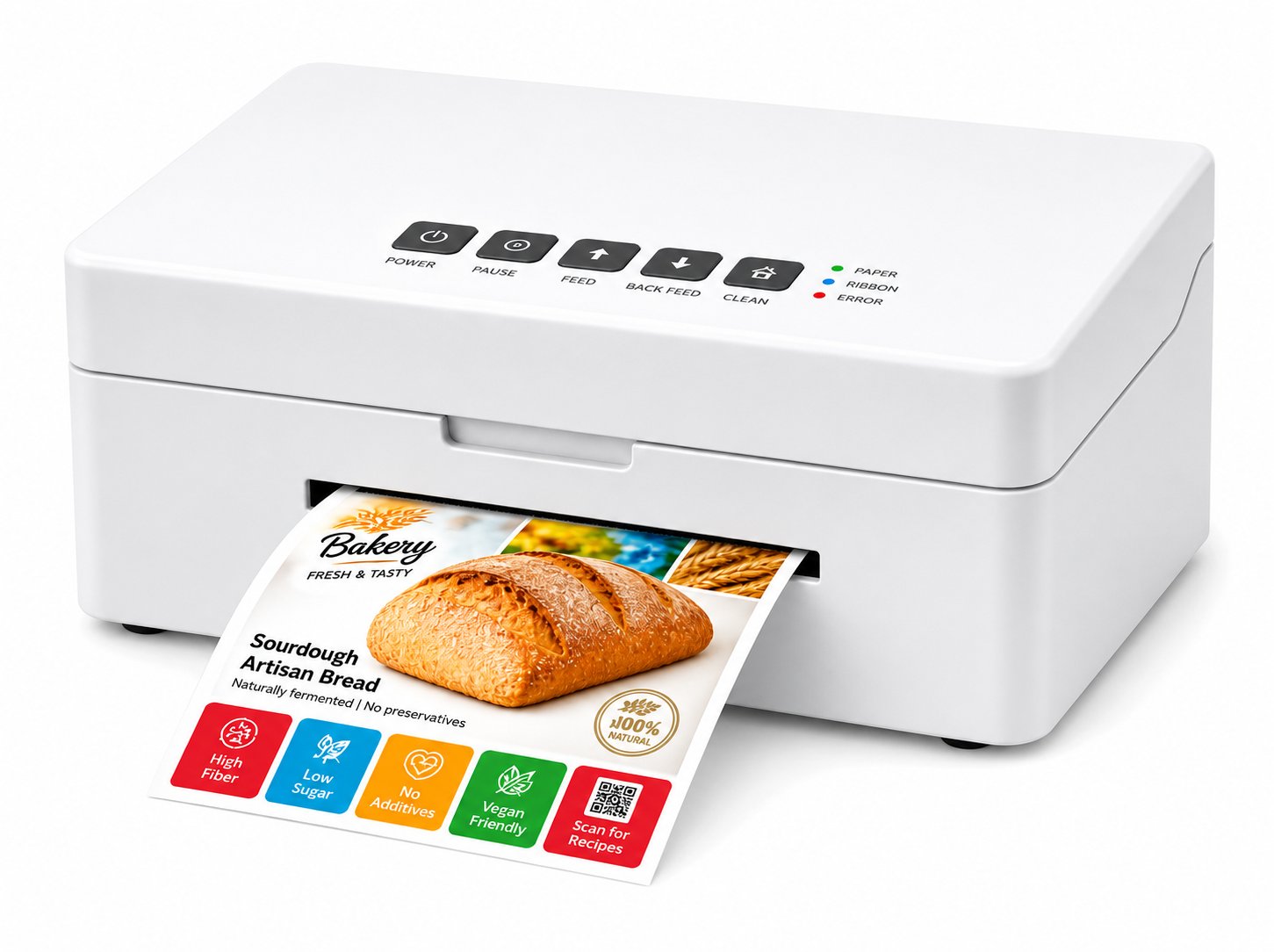
A color label printer for retail solves this at the source. The JNXRFID JCP140U prints the complete label — brand colors, product photos, ingredient tables, barcodes — directly onto blank label stock with a CMY (Cyan, Magenta, Yellow) inkjet engine at 300/600 DPI. One blank roll covers every design in the store: garment care and size tags, shoe box end labels, bakery allergen and best-before stickers, shelf-edge price labels, and short-run promotional signage.
The printer is built for the realities of a store backroom, not a print shop: it measures just 223 × 112 × 71.5 mm and weighs 1.6 kg, so it tucks behind a POS terminal or under a bakery counter. A tri-color disposable ink cartridge and the included ColorMaker software let staff change designs in seconds. Optional accessories — label stand, rotary cutter, peeler, supply hopper, rewinder — let the same printer grow from a single labeling station to a store-wide workhorse.
Product Lineup
Full-Color On Demand
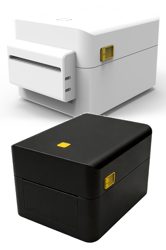
The core product on this page. 4-inch CMY inkjet full-color label printer — 300/600 DPI, prints any design from one blank roll. Paper, kraft, PP, PET, PVC, and coated media from 25–116 mm wide.
View JCP140U
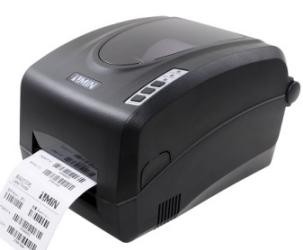
Linerless High-Volume
Linerless thermal label printer for high-volume shipping and e-commerce labels — no liner waste, more labels per roll. Pairs with the JCP140U when stores need both color retail labels and bulk shipping labels.
View JPD240D
RFID Source Tagging
4-inch desktop UHF RFID printer-encoder for retail source-tagging programs. When your labeling strategy includes EPC-encoded RFID tags alongside full-color visual labels, this is the counterpart.
View JD240TR
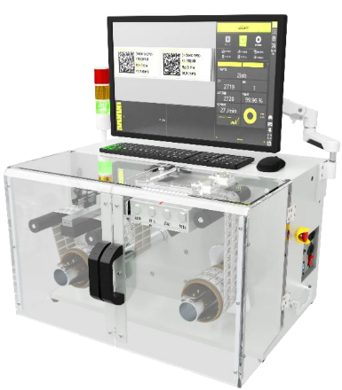
Label Quality Control
Desktop label inspection system that verifies print quality, barcodes, and variable data before labels reach the shelf. For retailers with compliance-grade labeling requirements.
View JLS-2000Side-by-Side
The economics of retail labeling depend on how you handle design changes, small runs, and obsolescence. Here is how the traditional pre-printed workflow compares to printing full-color labels in-store with the JCP140U.
| Factor | Pre-Printed Labels (traditional) | JCP140U On-Demand Color |
|---|---|---|
| Minimum run per design | Typically thousands of labels per SKU | ✓ One label — print exactly what you need |
| Design or price change | × Remaining stock becomes waste | ✓ Change the design in ColorMaker and print again |
| Lead time | Days to weeks via print vendor | ✓ Minutes — printed at the point of need |
| Storage space | Boxes of label stock per design/SKU | ✓ One roll of blank media covers every design |
| Promotions & seasonal labels | × Risky — leftover stock after the campaign | ✓ Short-run promo labels with zero leftover risk |
| Variable data (dates, prices, allergens) | × Requires a second overprint step | ✓ Printed in the same pass as the color design |
| Barcodes & QR codes | Pre-printed, fixed | ✓ Crisp 300/600 DPI barcodes, scannable at POS |
| Hand-written tag fallback | Slow, inconsistent, unprofessional | ✓ Eliminated — every tag is print-quality |
| Equipment footprint | N/A (vendor-side printing) | ✓ 223 × 112 × 71.5 mm, 1.6 kg — fits behind a POS |
| Consumables | Per-design label stock + overprint media | ✓ Blank rolls + one tri-color ink cartridge |
| Procurement model | Vendor MOQs and lead times | ✓ No MOQ — single evaluation unit available |
Note: the JCP140U is a non-RFID inkjet label printer. It does not encode RFID tags and does not use any Zebra module. For UHF/HF RFID encoding, see our RFID Printers line.
Buying Guide
Before comparing printers, quantify what pre-printed labels really cost: unit price, minimum run sizes, obsolete stock written off per year, storage space, and the labor of managing dozens of SKU-specific label boxes. Most retailers find that obsolescence and overstock add 15-30% on top of the sticker price of pre-printed labels. That number is your baseline for evaluating on-demand color printing.
A full-color label is only useful if the barcode scans the first time. During evaluation, print your real symbologies (EAN/UPC, Code 128, QR) at 300 and 600 DPI on the exact media you'll use — paper, kraft, PP, or PET — and test first-scan rates with your POS scanners. The JCP140U handles media from 0.08 to 1 mm thick and 25 to 116 mm wide; we support this validation before you commit.
Retail backrooms are tight. Measure the space behind your POS or under the counter before buying. The JCP140U's 223 × 112 × 71.5 mm footprint at 1.6 kg is designed exactly for these constraints — and if volume grows, modular accessories (label stand, rotary cutter, peeler, supply hopper, rewinder) scale the same unit instead of replacing it.
Store staff, not print engineers, will operate the printer. The JCP140U ships with ColorMaker software and a tri-color disposable ink cartridge — designs change in seconds and consumables swap without tools. Ask who maintains the label templates today and confirm the workflow fits their routine before rolling out to multiple stores.
The cheapest way to validate a color label printer is one unit in one store for 1-2 weeks. Print your actual price tags, shelf labels, and bakery stickers; measure waste eliminated, time saved versus hand-writing, and scan rates. JNXRFID supports exactly this: single evaluation unit, no MOQ, direct engineer access, and response within 24 hours.
FAQ
The JCP140U uses a CMY (Cyan, Magenta, Yellow) inkjet engine to print the entire label — graphics, branding, and text — directly onto blank label stock. Instead of committing to thousands of pre-printed labels per design, you keep one roll of blank media and change designs in software whenever you need to. Printing three new price-tag designs or an unplanned promotion costs the same as printing one, because there is no plate, plate setup, or minimum run.
Yes. At 300 DPI (and up to 600 DPI) the CMY inkjet engine prints crisp 1D barcodes and QR codes that scan reliably with retail POS scanners and smartphone cameras. During your evaluation we recommend printing your actual barcode symbologies on your actual media and verifying first-scan rates in your store environment — we support that test before you commit.
The JCP140U prints on plain paper, kraft paper, PP, PET, and PVC synthetic labels, coated art paper, and color tattoo paper — media from 0.08 to 1 mm thick and 25 to 116 mm wide. One printer covers shelf labels, garment tags, bakery stickers, and promotional signage without changing hardware.
No. The JCP140U is a non-RFID full-color inkjet label printer in our Labeling & Data Capture line — it does not encode RFID tags and does not use any Zebra RFID module. If you need UHF or HF/NFC tag encoding, see our RFID Printers line. Only JNXRFID JRE-series readers are powered by the genuine Zebra RE40 module.
Very little. The unit measures 223 × 112 × 71.5 mm and weighs 1.6 kg — small enough to sit behind a POS terminal, under a bakery counter, or on a workshop bench. Optional accessories (label stand, rotary cutter, peeler, supply hopper, rewinder) can be added later as your volume grows.
Yes — that is the default path at JNXRFID. Request one evaluation unit, print your real label designs on your real media for 1-2 weeks, and decide with data. No minimum order quantity, direct engineer support, and response within 24 hours.
Evaluation unit in 1-2 weeks, engineering support included, no MOQ. Response within 24 hours.
Request an Evaluation Unit